Start with the serial number and IMEI
Get the serial number and IMEI from the device itself, not the box. Find them in Settings → General → About, or dial *#06# in the Phone app.
- Match the numbers in Settings with the box and SIM tray
- Run the serial through SerialKSA to confirm model, warranty and activation status
- Any mismatch is a red flag — stop there
Activation Lock and Find My
The biggest risk with a used iPhone is Activation Lock. If the seller never signed out, the phone will ask for their Apple ID after it is erased.
- Ask the seller to turn off Find My and sign out of iCloud in front of you
- Then erase: Settings → General → Transfer or Reset → Erase All Content
- Start setup and confirm it does not ask for their account
- Never accept "I will unlock it for you later"
Make sure there is no MDM lock
Some phones belong to companies and are enrolled in device management. A Remote Management screen appears during setup, and it survives an erase.
- Check Settings → General → VPN & Device Management
- Any company profile means the phone is not fully personal
- If Remote Management appears during setup, walk away
Parts history and battery
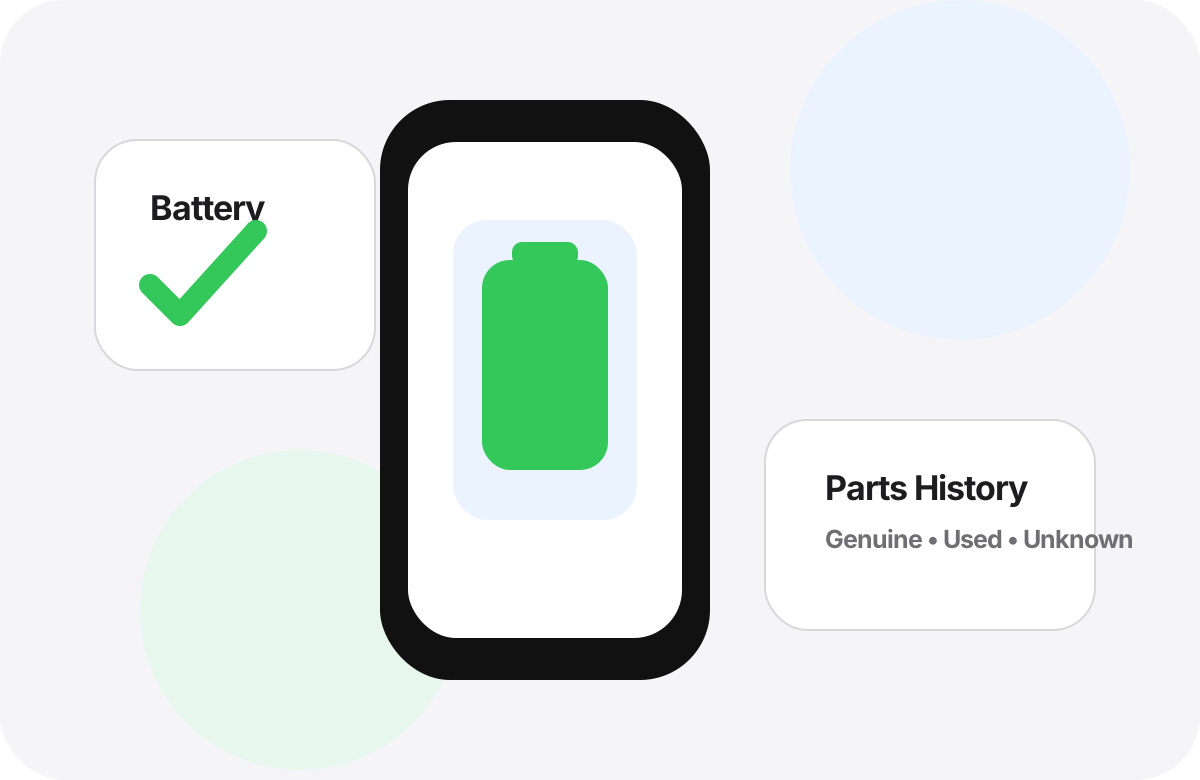
On recent models, Parts and Service History appears in Settings → General → About. A non-genuine part shows as "Unknown Part".
- Battery health: Settings → Battery → Battery Health
- Above 85% is great; below 80% needs replacement soon
- iPhone 15 and later show the cycle count in About
- See our guide on spotting replaced screens and batteries
Hands-on test before paying
Paperwork looks fine? Now test the phone yourself — some faults only show up in use.
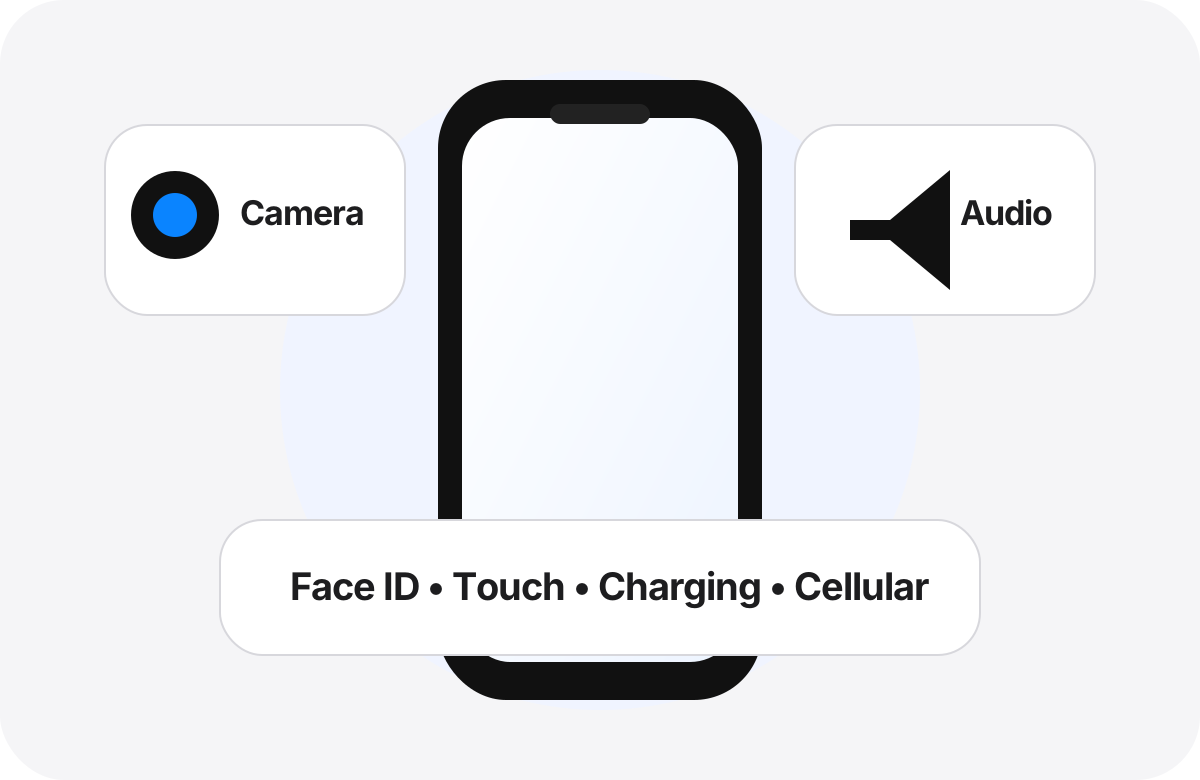
- Face ID or Touch ID works
- Front and rear cameras and flash
- Speaker and mic — make a real call
- Charging, buttons, vibration, Wi-Fi and Bluetooth
- Screen: open a white image and look for spots or lines
Check the device before you pay
Start with a SerialKSA serial check, then finish the hands-on inspection in front of the seller.
Check now →Related articles
Frequently asked questions
What is the most important thing to check on a used iPhone?
Make sure Activation Lock is off: the seller must sign out of iCloud and erase the phone in front of you. Then check the serial, parts history and battery.
How do I find the IMEI?
Dial *#06# in the Phone app, or go to Settings → General → About, and match it against the box and SIM tray.
Is a serial check enough?
A serial check confirms model, warranty and activation status, but you should still do a hands-on check of parts, battery and hardware.