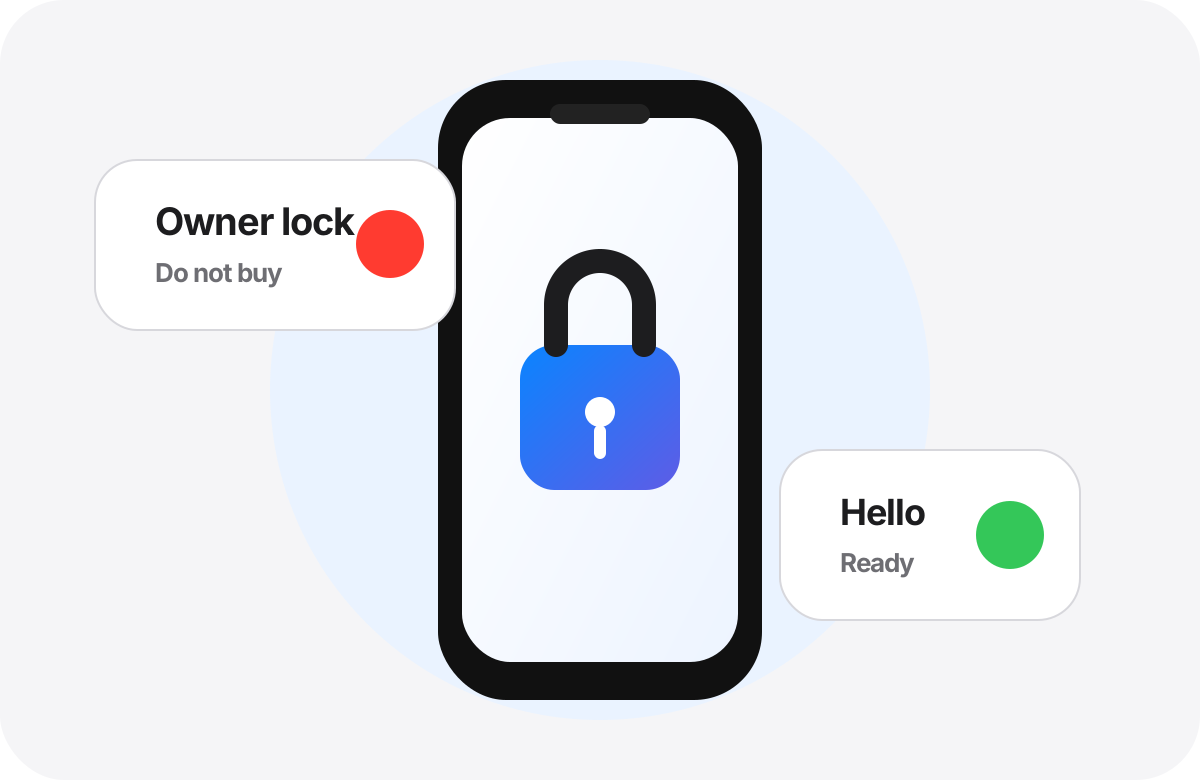
The strongest red flag: locked to owner
If you see “iPhone Locked to Owner” or the previous owner’s Apple Account is requested, do not buy the iPhone. Apple advises not taking ownership of a used iPhone if Activation Lock is enabled.
- Do not accept “we will fix it after payment.”
- Ask the seller to remove the account in front of you.
- If bought online and locked, return it.
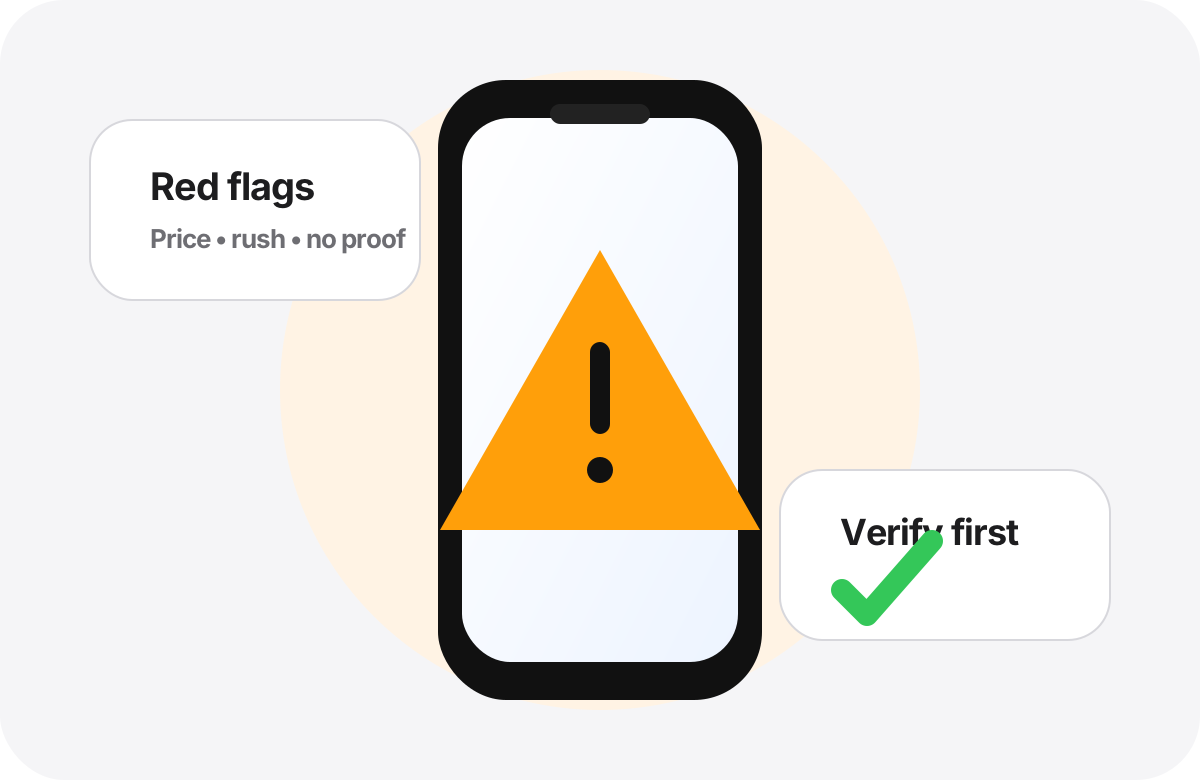
Seller behavior matters
Very low price, unclear meeting location, heavy pressure, refusal to inspect, or missing proof of purchase are all reasons to slow down.
- An honest seller can wait for checks.
- Compare market price for the same model, storage, and condition.
- Meet in a safe, well-lit place.
Network reports are signals, not a complete guarantee
IMEI or network reports can provide useful signals, but they do not replace Activation Lock, MDM, and hands-on inspection. Do not treat one result as absolute proof.
- Collect more than one piece of evidence before payment.
- Get the number from Settings on the device itself.
- Keep seller details and invoice when buying.
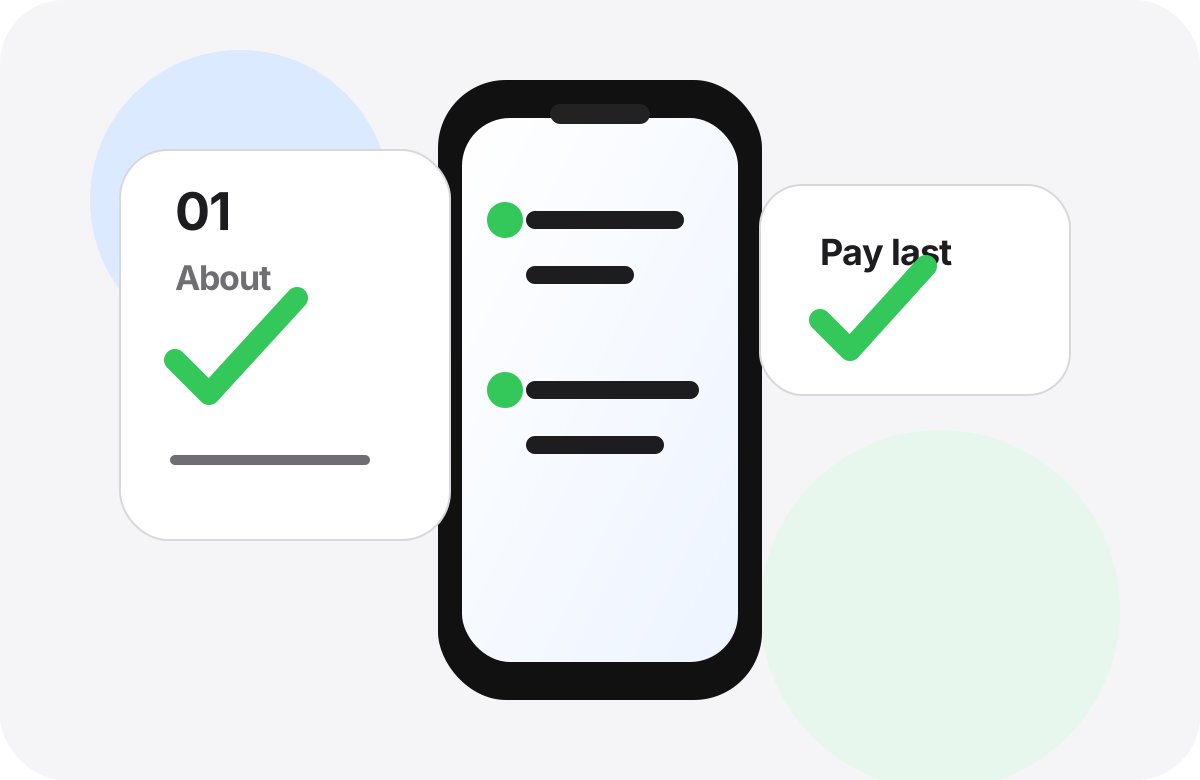
Practical safety flow
Start with digital checks, ask the seller to erase the phone correctly, then begin setup yourself. After that, test camera, charging, cellular, battery, and buttons.
- Do not pay before the flow is complete.
- Do not rely on screenshots sent by the seller.
- Walk away if lock, management, or inspection refusal appears.
Official sources used
Do not let the price decide alone.
Use the report as a supporting step before payment, then test the iPhone in person with the seller.
Check now