Find My enables Activation Lock
When Find My is on, the iPhone is linked to the owner’s Apple Account. If it is erased without removing that link, setup may still require the previous owner’s credentials.
- It protects owners if a device is lost or stolen.
- It becomes a buyer problem if the account is not removed.
- Resetting alone is not enough proof.
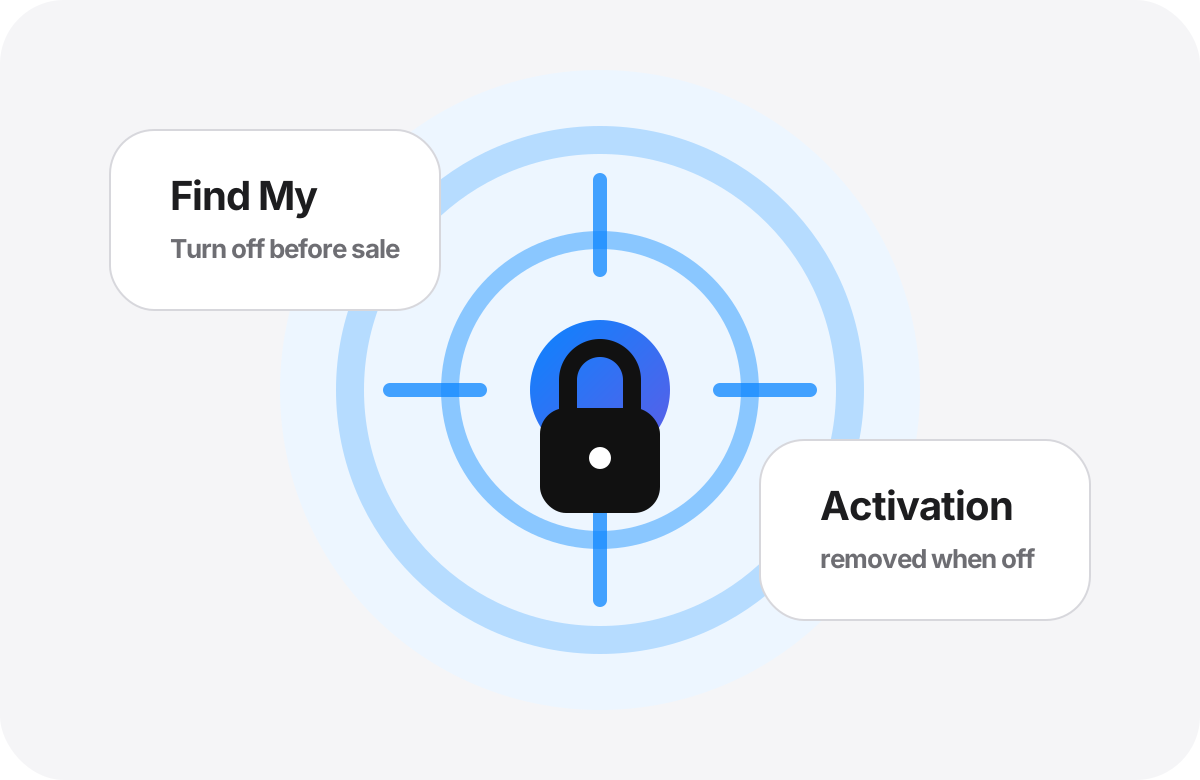
The safe state before purchase
The seller should turn off Find My or erase the iPhone correctly in front of you. Then you should be able to start setup without seeing a previous-owner Apple Account prompt.
- Settings → seller name → Find My → Find My iPhone → Off.
- The seller may need to enter their Apple Account password.
- If the device is not present, the seller can remove it from iCloud.com.
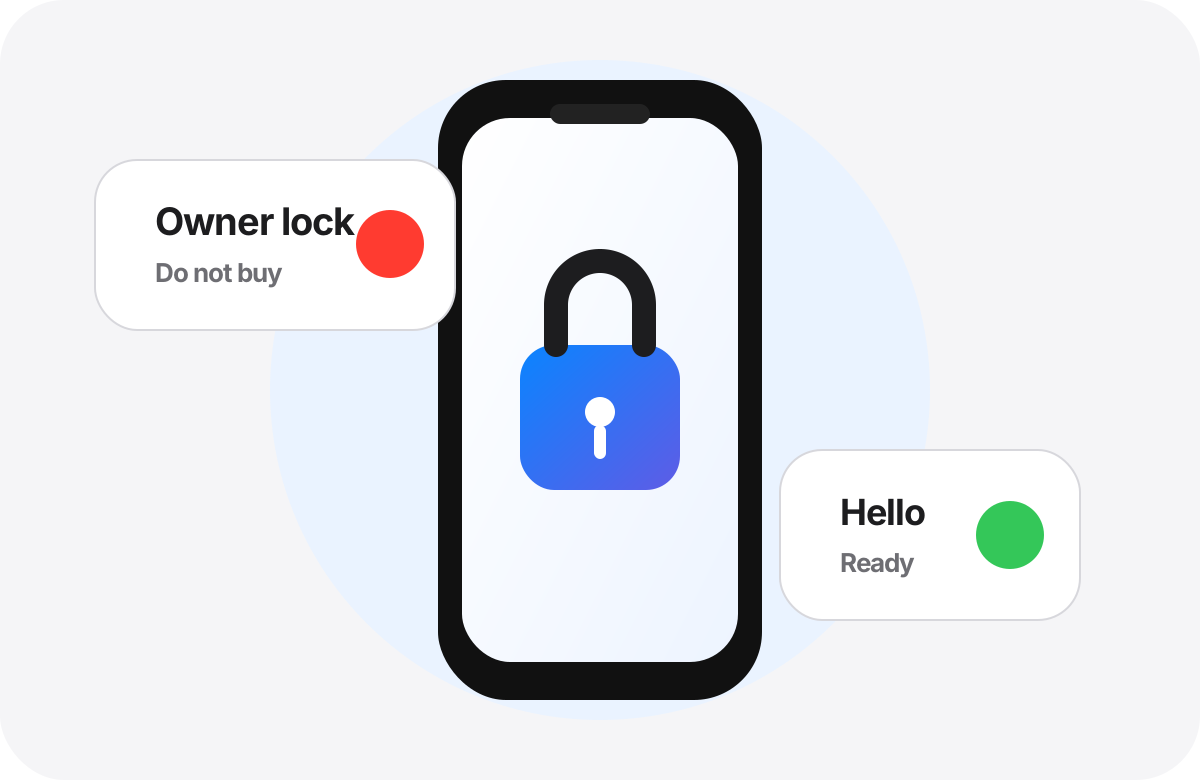
When to walk away
Walk away if the seller says the lock can be removed later, refuses to enter the password, or the device shows “iPhone Locked to Owner.” This can prevent you from using the phone.
- Do not buy an Activation Locked iPhone.
- Do not pay for promises of later removal.
- Avoid unofficial bypass services.
A short verification flow
Combine Find My verification with the device information page, coverage, parts history, and hands-on testing. Find My off is essential, but it does not replace MDM, battery, or parts checks.
- Start from the Hello screen or an unlocked device you can inspect.
- Make sure no previous Apple Account is requested.
- Then continue with warranty, parts, and hardware tests.
Short video: the right order before payment
A quick visual flow: get the number from Settings, verify Find My, look for MDM, then review parts and test the phone.
Official sources used
Do not let the price decide alone.
Use the report as a supporting step before payment, then test the iPhone in person with the seller.
Check now